2D Platformer: Health (Heart UI)

Changed the text based health system, to a heart sprite.
2 player health = 1 heart.
Used variables of fullHeart, halfHeart, and emptyHeart.
Once these values are detemined from the player’s currentHealth, and maxHealth, the heart prefabs are instantiated into a list and then displayed on the Canvas’ Grid Layout Group. Piece of the code I decided to go with.

    public void CreateHearts()
    {
        ClearHearts();

        float fullHearts = MathF.Floor(PlayerHealth.instance.health / 2);
        float emptyHearts = MathF.Floor((PlayerHealth.instance.maxHealth - PlayerHealth.instance.health) / 2);

        for (int i = 0; i < fullHearts; i++)
        {
            InstantiateHeart("Full");
        }
        if (PlayerHealth.instance.health % 2 != 0)
        {
            InstantiateHeart("Half");
        }
        for (int i = 0; i < emptyHearts; i++)
        {
            InstantiateHeart("Empty");
        }
    }
2D Platformer: Spike+Damage+Health

Progress on my studies, I’ve been following a Udemy tutorial as a reference, but I tend to try and take my own approach on the code. Sometimes, tutorials are guides over complicate things, or could be too advanced for your state of knowledge. If you can get the same thing to work with a different code, I say this is a win because it still requires troubleshooting.
(Efficiency could come later as your coding skills improve right?)
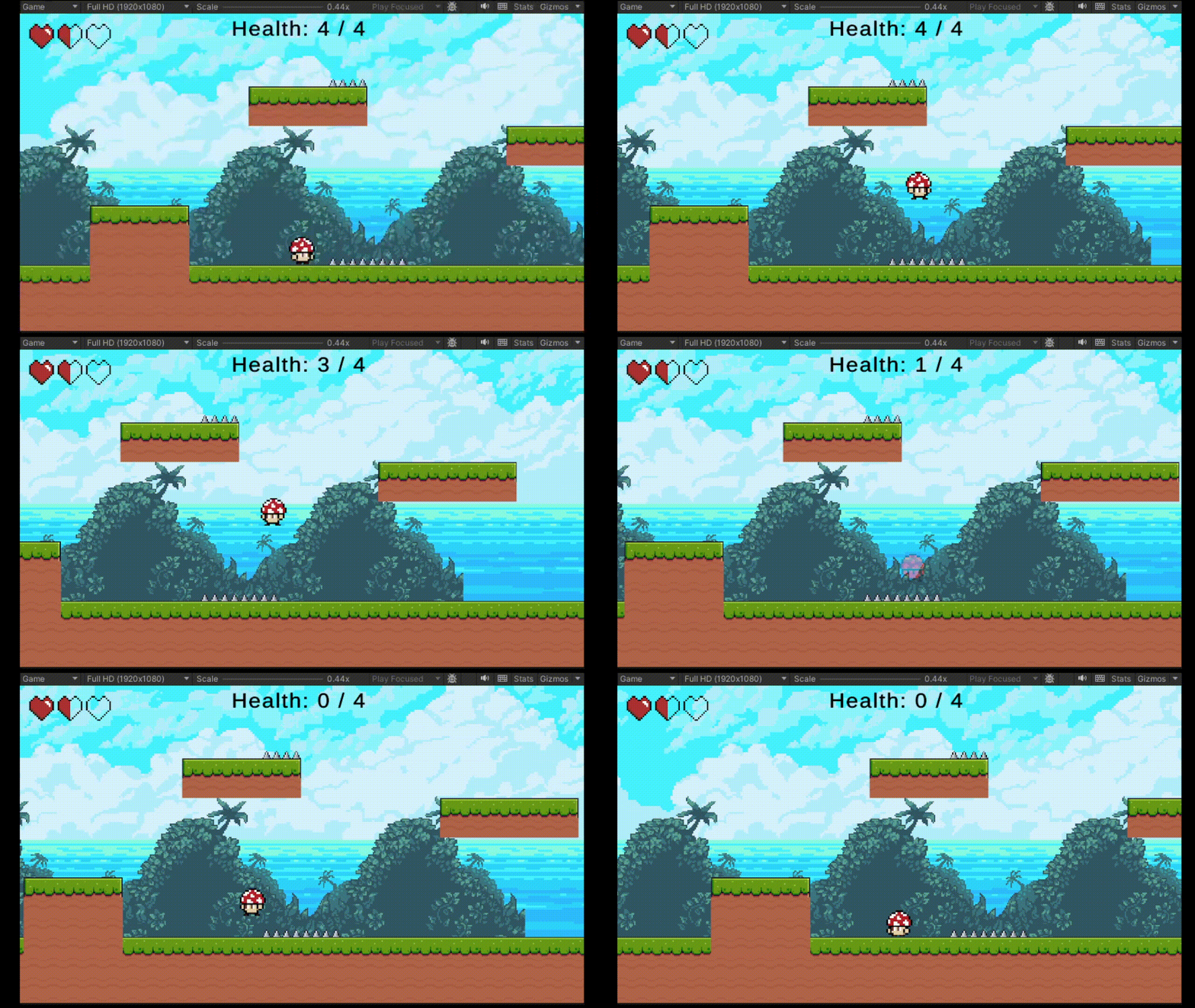
Damage sprite color is not changing on the last hit, I think it know what is wrong..

I got the health text to show and subtract. Now I need to remove the Text example and use a grid layout and instantiate hearts based on the player’s health.

Unity: Cinemachine Confiner

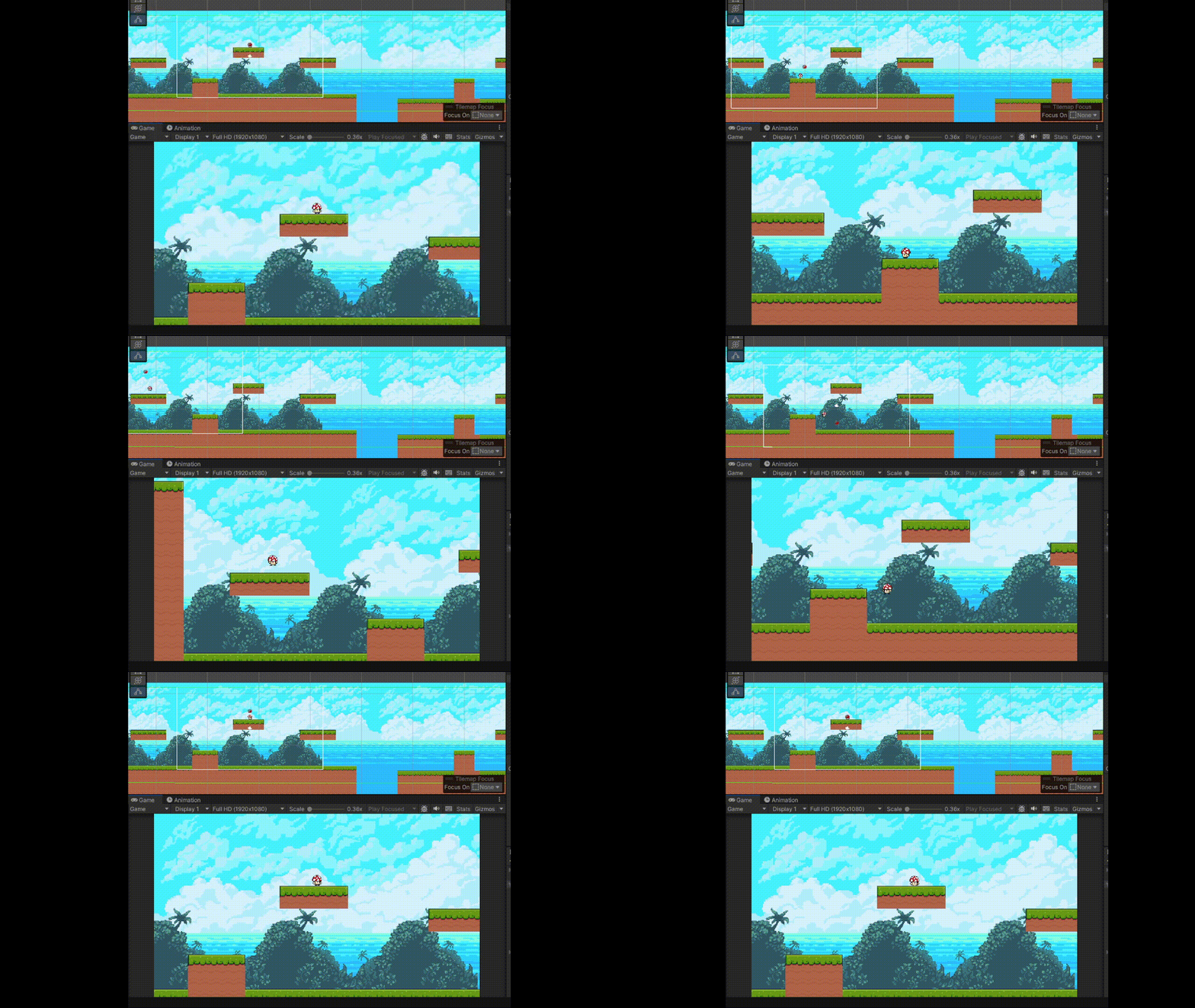
Today, I wante to learn how to control cinemachine so that it doesn’t exceed a certain x or y transform value. My first idea was to manually place borders and have a detection script.
But then, I searched youtube and found CodeMonkey’s tutorial on how to use the Cinemachine Confiner. It’s beautiful! Easy to setup. Thank you.L

CodeMonkey’s tutorial on Cinemachine’s confiner.
How to use Cinemachine Confiner (Don’t let Players see the VOID!)

2D Platformer: Double Jump (New input system)

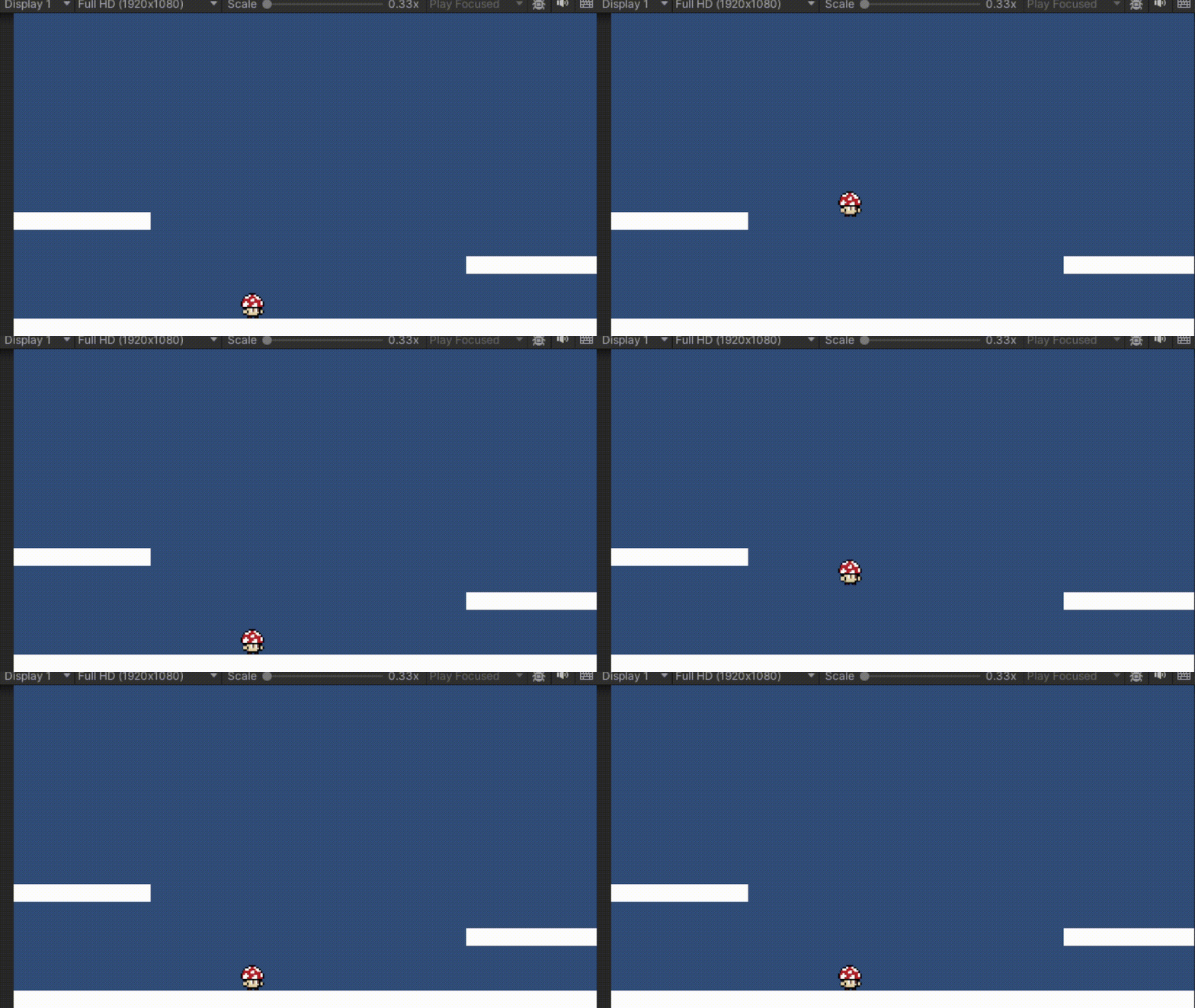
Today, I tested a double jump feature for a 2D platformer controller.
I haven’t had extensive amount of experience with the legacy input system, but I have to say the new input system is confusing at first. Or am I still confused.
At the end, the new input system seems to be the path to take if you want an easy implementation of a variety of hardware controllers users may choose to use.

    public void Jump(InputAction.CallbackContext context)
    {
        // Jump only if grounded
        if (context.performed && IsGrounded())
        {
            rb.velocity = new Vector2(rb.velocity.x, jumpPower);
            canDoubleJump = true;
        }

        // Shorter jump height if jump is tapped
        if (context.canceled && rb.velocity.y > 0f)
        {
            rb.velocity = new Vector2(rb.velocity.x, rb.velocity.y * 0.5f);
        }

        // Double jump
        if (!IsGrounded() && context.performed && canDoubleJump)
        {
            rb.velocity = new Vector2(rb.velocity.x, jumpPower);
            canDoubleJump = false;
        }
    }